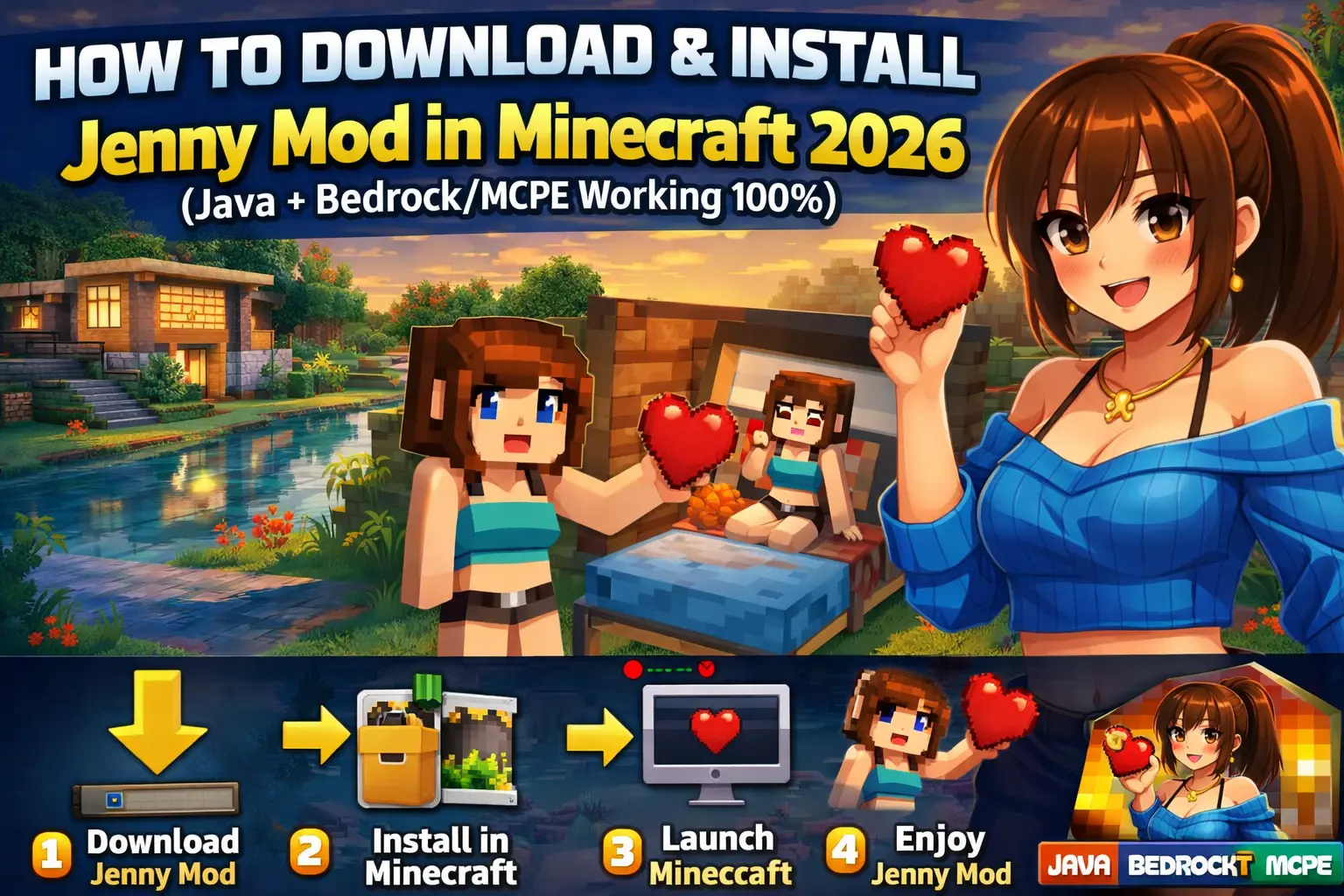
How to Download & Install Jenny Mod in Minecraft 2026 (Java + Bedrock/MCPE Working 100%)
A friend messaged me last month after his Minecraft stopped launching completely. Black screen. No error. Just gone.
He had tried installing Jenny Mod from a random site he found on page two of Google.
That mistake shows up more often than you’d think.
Installing mods isn’t hard. But doing it safely, without breaking your game or your system, takes a bit more care than most guides admit. And yeah, some tutorials skip key steps that actually matter.
Let’s fix that.
What You Need Before Installing Jenny Mod
Before touching any download button, get your setup right. Most installation issues come from skipping basics.
Here’s what you need:
- Minecraft Java Edition installed
- The correct version of Minecraft Forge
- A clean mods folder
- A reliable source for the mod file
That’s it. No fancy tools.
I’ve seen people install three “mod managers” for this. Completely unnecessary.
How to Download Jenny Mod Safely
This step decides everything. Get it wrong, and nothing else matters.
Stick to Trusted Sources
Start with platforms that actually moderate uploads:
If the mod isn’t listed there, check developer-hosted pages like GitHub.
Avoid random “free download” sites filled with pop-ups. They often wrap mods inside installers.
Watch the File Format
A legit Jenny Mod file usually comes as a .jar.
If you download:
.exe- password-protected
.zip - anything asking you to install extra software
Close it. Delete it. Move on.
One quick check saves hours later.
Run a Virus Scan
Upload the file to https://www.virustotal.com
I still do this myself. Every time.
It takes under a minute.
Installing Jenny Mod on Minecraft Java Edition
This process works smoothly when you follow the order. Skip a step and things break fast.
Step 1: Install Minecraft Forge
Go to the official Forge site:
https://files.minecraftforge.net
Download the version that matches your Minecraft build.
Run the installer and select Install Client.
Done.
Step 2: Locate Your Mods Folder
Open Minecraft once with Forge installed. That creates the folder automatically.
Then go to:
No folder? Create one manually.
Simple.
Step 3: Add Jenny Mod File
Drop the downloaded .jar file into the mods folder.
No extraction needed.
Most guides overcomplicate this part. You just paste the file.
Step 4: Launch Minecraft with Forge
Open the Minecraft launcher.
Select the Forge profile.
Hit play.
If everything lines up, the mod loads with the game.
Installing Jenny Mod on Bedrock / MCPE
Here’s where things get messy.
Bedrock doesn’t support Java mods directly. So when people say “Jenny Mod works on MCPE,” they usually mean a converted add-on version.
And not all of them work properly.
Step 1: Download a Compatible Add-on
Look for .mcaddon or .mcpack files.
Those formats work with Bedrock.
Anything else won’t.
Step 2: Import Into Minecraft
Tap the file on your device.
Minecraft should open automatically and import the add-on.
If it doesn’t, your file likely isn’t valid.
Step 3: Activate in World Settings
Open Minecraft.
Create or edit a world.
Enable the add-on under:
- Behavior Packs
- Resource Packs
Then enter the world.
That’s it.
Common Errors and How to Fix Them
Even when you follow everything correctly, things can still go sideways.
Let’s address the usual problems.
Game Crashes on Startup
Most crashes come from version mismatches.
Check this:
- Minecraft version
- Forge version
- Mod version
All three must match.
I’ve seen players ignore this and spend hours troubleshooting. It’s always the same issue.
Mod Not Showing Up
Double-check the mods folder.
And make sure you launched Minecraft using Forge, not the default profile.
Sounds obvious. Still happens.
Game Freezes After Loading
That usually means mod conflicts.
Remove other mods temporarily and test again.
A Real Scenario You Should Learn From
A guy in a gaming Discord I’m part of installed Jenny Mod along with five other mods at once.
Game crashed instantly.
He blamed the mod.
Turned out one of the other mods used a different Forge version.
Classic mistake.
Install one mod at a time.
Test it.
Then add more.
Most people skip this and create their own problems.
Tips to Keep Your Game Safe
You don’t need to be paranoid. Just careful.
- Always back up your world saves
- Avoid installer-based downloads
- Keep your antivirus active
- Update Forge regularly
And here’s my slightly blunt take.
If a site looks sketchy, it probably is.
Trust that instinct.
Does Jenny Mod Work Smoothly in 2026?
Mostly, yes.
But performance depends on your setup and the version you install.
Some builds feel stable. Others crash randomly or conflict with newer Forge updates.
That’s the reality of community mods.
Not everything gets polished.
Still, when installed correctly, the mod runs fine for most players.
Final Thoughts
Installing Jenny Mod doesn’t require technical skill; it requires attention. Download from the right place, match your versions, and follow the steps in order.
Rushing the process causes nearly every issue people complain about.
Take five extra minutes and do it properly.
Your game will thank you.